Ask Renown From Claude and ChatGPT
Your AI visibility data, answered by the AI you already use. Connect once, then ask in plain language.
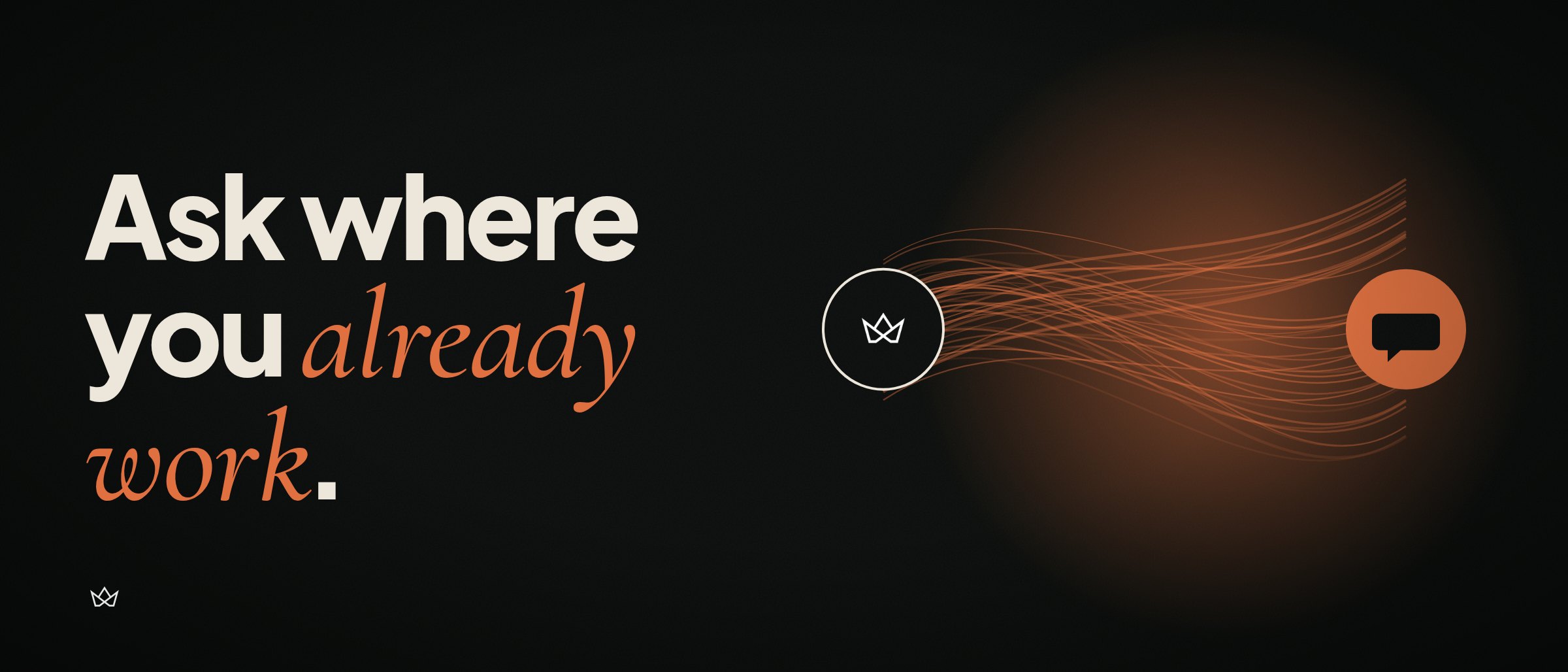
You measure how AI talks about your brand. Then you open a dashboard, squint at a chart, copy three numbers into a doc and paste them into the AI app you actually spend your day in.
That last step was always a bit silly. So we removed it.
Renown now has a connector for Claude, ChatGPT and any other app that speaks the Model Context Protocol. Connect it once and ask your questions where you already work.
TL;DR
https://api.tryrenown.com/mcp as a connector, sign in to Renown, approve.What you can ask
Renown asks AI engines the questions your buyers ask, over and over, and records what they said word for word. The connector hands that record to your AI app, so the questions get more interesting than "what's my score":
- "Summarise our AI visibility and what changed since the last run."
- "On which prompts does Claude recommend a competitor instead of us, and what did it say?"
- "Which sites get cited when we are not mentioned? Group them by type."
- "What are our three highest-impact actions? Mark the G2 one done, we finished it."
Your AI app does the reasoning. Renown supplies the evidence. It's a good split: the model is good at summarising and bad at knowing what other models said about you last Tuesday.
What it can see, and what it can't
A connected app sees exactly what you see in your dashboard. Agencies see their client brands, and the app asks which one you mean.
It sees scores, the breakdown per AI engine, competitors, your prompts and topics, the answers engines gave, the pages they cited, and your recommended actions. It can mark one of your own actions complete. That is the only write.
Two honest caveats:
Set it up
Claude: Customize (or Settings), Connectors, Add custom connector. Pastehttps://api.tryrenown.com/mcp, connect, sign in to Renown, approve.
ChatGPT: turn on Developer mode, add an app with the same URL, choose OAuth, sign in, approve.
Perplexity, Claude Code, Cursor, VS Code, Codex, n8n and scripts: use an API key instead of signing in. Create one in the app under Settings, AI connectors & API keys; it comes with the setup ready to paste. Keys can be read-only, which is what most automation wants.
Full setup and the list of tools: tryrenown.com/mcp.
Why a connector and not another export
Because the dashboard is where you check the numbers, and the AI app is where you decide what to do about them. Moving data between the two by hand is the part nobody enjoys and everybody skips.
Monitoring without action is a dashboard. This puts the monitoring inside the place the action gets planned.
Questions or a connection that won't behave: hello@tryrenown.com.
FAQ
What is the Renown MCP server?
A connector that lets Claude, ChatGPT and other Model Context Protocol clients read your Renown data: visibility scores per AI engine, competitors, prompts, the answers engines gave, cited sources and recommended actions. The server URL is https://api.tryrenown.com/mcp.
Can the connector change anything in my Renown account?
One thing. It can mark one of your own recommended actions as complete. Every other tool is read-only, and it cannot change settings, prompts or billing.
How do I connect Renown to Perplexity or Claude Code?
Create an API key in the Renown app under Settings, AI connectors & API keys, then add the server URL and the key in the tool. Keys can be read-only and can expire.
Which plans include the connector?
Every paid Renown plan. It reads the same brands and data your plan already shows in the dashboard.
Related Articles

How AI Chooses Its Sources: 3,543 Citations, Analyzed
AI doesn't read your website. It reads Reddit, YouTube, Wikipedia, and a handful of independent blogs. We have the data: 3,543 citations across two engines and 60 questions.

AI visibility is the new SEO. Here's the data to prove it
In 2010, if you weren't on page one of Google you were invisible. AI search is at that same inflection point, and the data from 91 brands proves it.
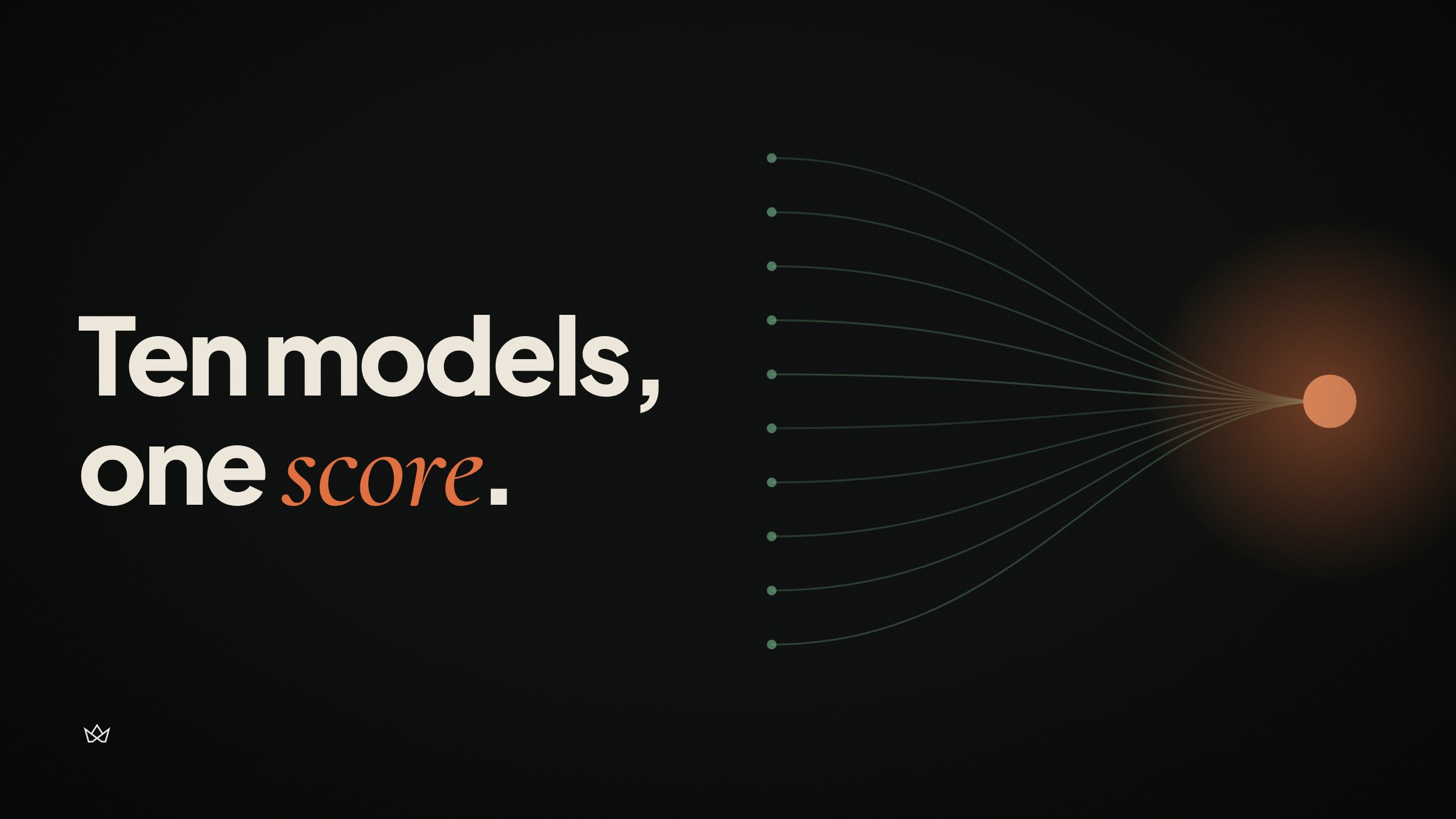
How we measure AI visibility: querying 10 LLMs with 100 prompts per category
10 models. 100 prompts per category. Scored for mentions, recommendations, citations, and sentiment. Here's exactly how the data works, including what it can't tell you.


